Blog / Tutorial
Turn images into one PDF: combine photos and scans
Published 2026-08-21 · Tutorial
Receipts, photos, hand-written notes or scanned pages: you have several images and want them in one PDF. Here is how to combine them into a single, clean document in a couple of steps.
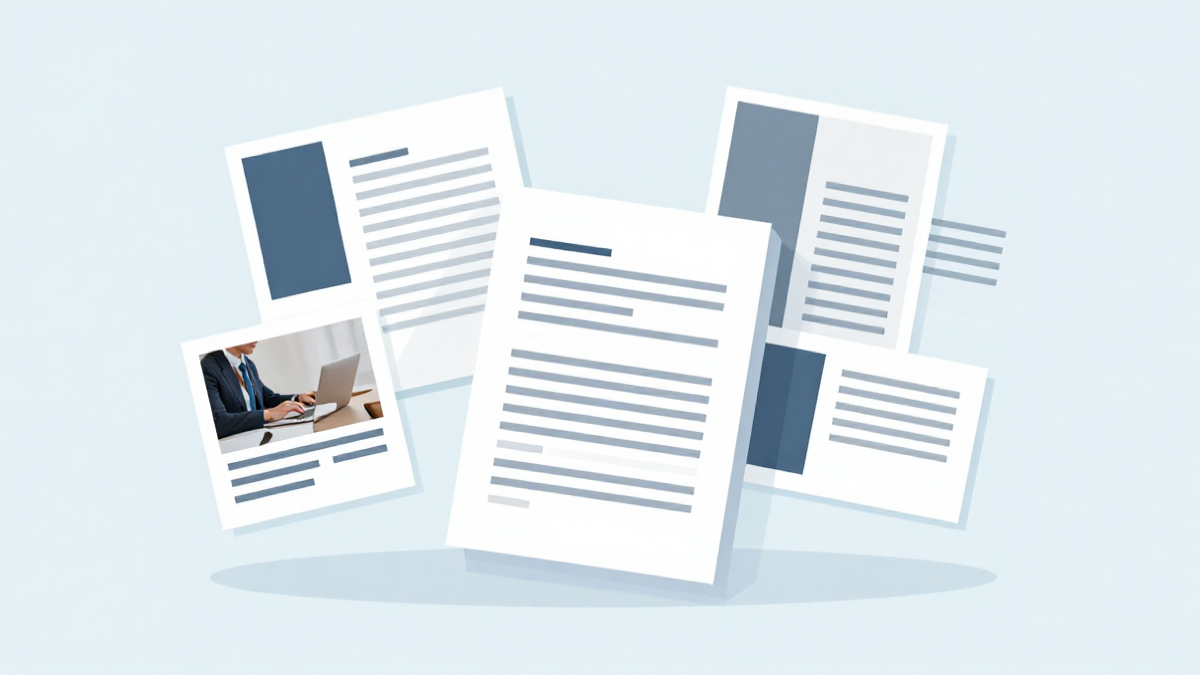
Why group your images into one PDF
A single PDF is easier to send, print and archive than a folder of loose images. Contracts and receipts keep their order, scanned pages stay in sequence, and one attachment replaces ten files.
The quickest way to combine them
Open an image-to-PDF tool like Convert images to PDF, drop all your JPG or PNG files at once, and the pages line up in the order of your upload. Download the finished PDF in one click.
Keep the right order
Most editors stack the images in the order you add them. Drag to reorder before exporting if your photos follow a sequence, such as a numbered invoice pack or the front and back of a document.
Reduce the size afterwards
Grouped scans and high-res photos can produce a heavy PDF. Once combined, run it through compress a PDF to bring it down to a reasonable size before emailing.
Try Bang PDF for free - no account, no watermark, no upload.
Merge your PDFs now