Blog / How-to
Redact a PDF: hide sensitive data before sharing
Published 2026-08-26 · How-to
Before you forward a document that contains a client's name, an invoice number or a birth date, you need to remove it properly. Here is what real redaction looks like and how to protect your PDF before you hit send.
Why redaction matters
Bank statements, contracts and medical records contain details you do not want everyone to see. Sending such a file as-is is a leak: names, addresses, account numbers and identifiers travel with it. Redaction is the act of permanently removing that sensitive information so the shared copy is clean.
Redaction is not covering with black
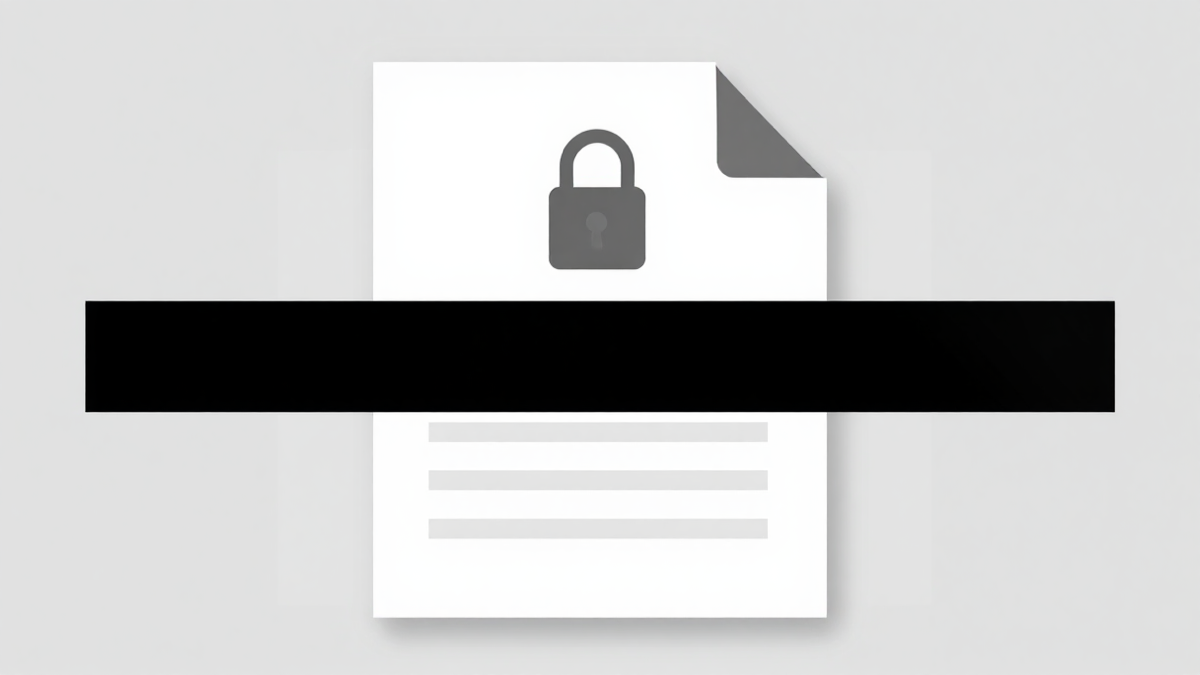
Dropping a black box over a name on screen is not enough. If the text is still in the file, someone can select it, copy it or recover it. Real redaction deletes the underlying content too. Whenever you prepare a file to share, assume that what is hidden must be truly gone, not just out of sight.
What to remove before sharing
Start with the obvious: full names, email addresses, phone numbers and account numbers. Then think about anything that identifies a person or a deal, like a passport number, a bank sort code or specific clause references. Re-read the page as a stranger would and remove the details they should never see.
Add a password on top
Clean content is the first layer, but protection makes it safer. After removing the sensitive data, add an opening password and restrict printing and copying with Protect PDF. If the recipient later needs a normal copy and legitimately owns the password, the file can be opened again with Unlock PDF.
Share a lighter, safer file
A cleaned PDF is easier to send when it is small. Run it through compress a PDF so it is quick to email, and keep the original file private in your own storage. The rule is simple: share the clean, protected, small copy, and never the raw one.
Try Bang PDF for free - no account, no watermark, no upload.
Merge your PDFs now