Blog / Education
PDF forms explained: fill fields and submit for beginners
Published 2026-08-28 · Education
A PDF form is a document with fields to fill in: a name box, a date, a checkbox. It looks like a paper form but lives on screen. Here is how they work and how to fill, sign and submit one without any confusion.
What a PDF form really is
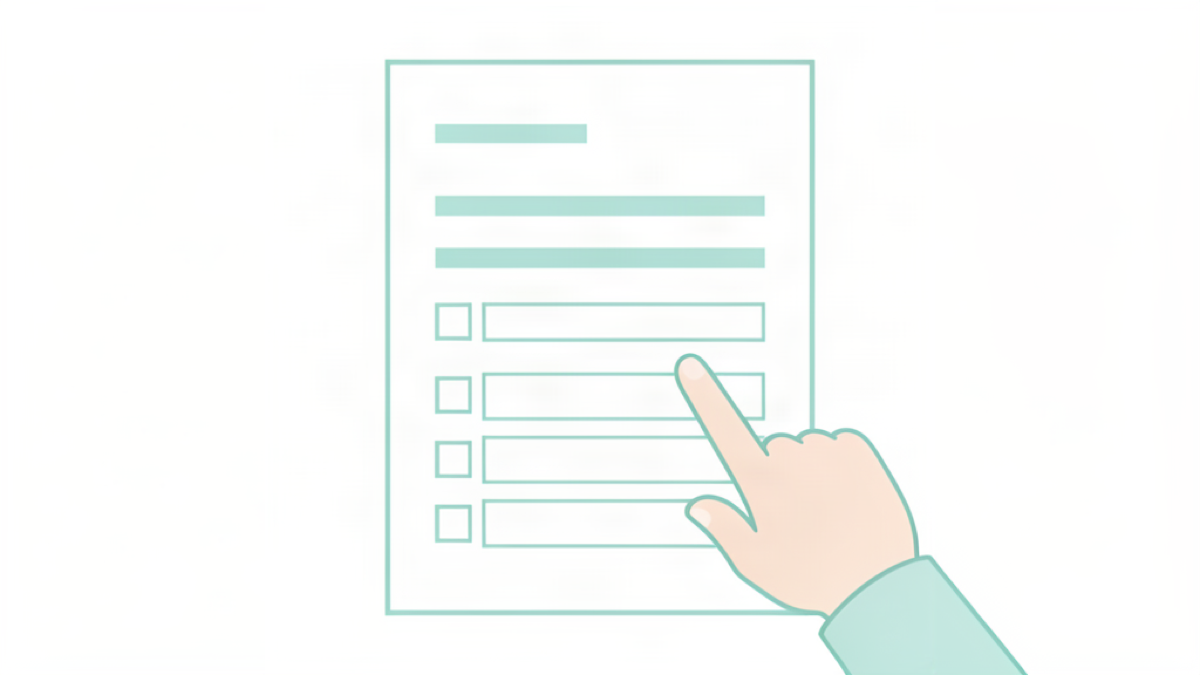
A PDF form is a normal PDF that contains interactive fields, little boxes where you place the cursor and type. Think of a job application, a registration form or an expense claim. The fields structure the information so the recipient receives a tidy, readable document instead of loose hand marks on a page.
Filling the fields
To fill a form, open it in your PDF viewer or directly in your browser, click inside a field and type. Move between fields with the Tab key, it is faster than click after click. Dropdowns, checkboxes and date pickers work like any website control. If the keyboard types yellow blocks instead of letters, sign the document or a reader with proper form support.
Signing and finishing
Most forms ask for a signature at the end. Sign directly inside the PDF, drawing a signature with your mouse or finger, or adding a saved image. Once every field is done, flatten the document so nothing can be changed or moved by accident. The result is a final, fixed page that anyone can read and print identically.
When you cannot edit it
Some PDFs look like forms but are just scans, plain pictures of a paper form where no field accepts text. In that case try to type into the boxes: if nothing appears, you are looking at a scanned image. In the scanned case, either to get the editable original from the person who sent it, or use a converter that understands scanned pages like PDF to Text.
Submit a clean copy
Before you send, flatten the form so fields and signatures stay locked, then export a clean download. Reduce the size with compress a PDF if the filled document is heavy, and you are ready to submit. Forms add order to document, and with the basic steps you can handle them like paper, but faster.
Try Bang PDF for free - no account, no watermark, no upload.
Merge your PDFs now