Blog / Tutorial
Merge PDFs offline without uploading: full privacy
Published 2026-08-31 · Tutorial
For sensitive contracts, payroll or legal documents, uploading files to a random website feels wrong, and it often is. Here is how to merge PDFs entirely offline, in your own browser, with nothing sent anywhere.
What offline actually means for PDFs
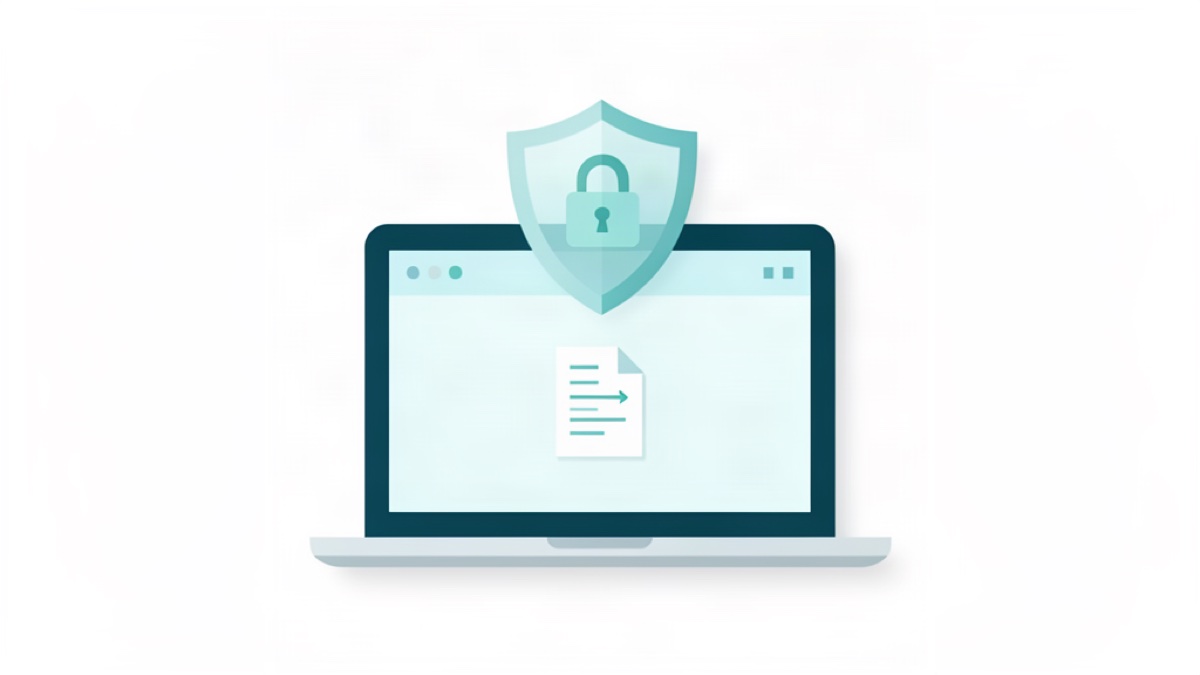
An offline PDF merge never transmits your files to a remote server. Instead, the processing happens locally, on your own device, using its own computing power. The pages you add are read, combined and exported on your machine, so no copy of your document is stored anywhere else. This is the privacy-safe way to handle anything confidential.
The simplest fully local method
Open Merge PDF on a device with an internet connection, add your documents, and merge. Because the tool runs entirely in your browser, your files are processed locally and never leave your machine. You get a combined PDF without a single file crossing a network, and without creating an account or handing over your data.
If you need to work fully disconnected
Some people prefer to cut the connection entirely. You can still do the work: load the tool page once, disconnect from the internet, and perform the merge once the page is open. The in-browser engine keeps working offline, which is useful when you want absolute certainty that nothing is transmitted.
Keep sensitive files secure after the merge
Combining does not change how private a document is, it just puts pages together. For anything sensitive, protect the finished file as well. Add a password with Protect PDF before sending it, or reduce the exposure risk of stored files. Privacy is a chain, and the merge is only one link.
Reuse your confidential pages safely
An offline merge is also useful when you only need part of a document. Extract the pages you actually need with PDF Splitter offline, merge the relevant set, and leave the rest untouched. You share only what is necessary, which is the core of good data hygiene.
Combine scanned and digital pages offline
Local merging handles every input the same way, whether the pages are scans or born-digital files. If your scans are heavy, finish with a local pass through Compress PDF to produce a lighter file, still without any upload. Every step stays on your device.
Try Bang PDF for free - no account, no watermark, no upload.
Merge your PDFs now